In this issue, we’re looking ahead at what’s next for UTC.edu—from the new Drupal 11 retheme and smarter editing tools to content cleanup, Lunch and Learn–Web Style, Open Source Camp and practical ways to make your pages work better for everyone.
Some changes are happening behind the scenes. Others start with you. We’ll show you what’s coming, what you can do now and where to find help along the way. Better tools + better content = a better UTC.edu.
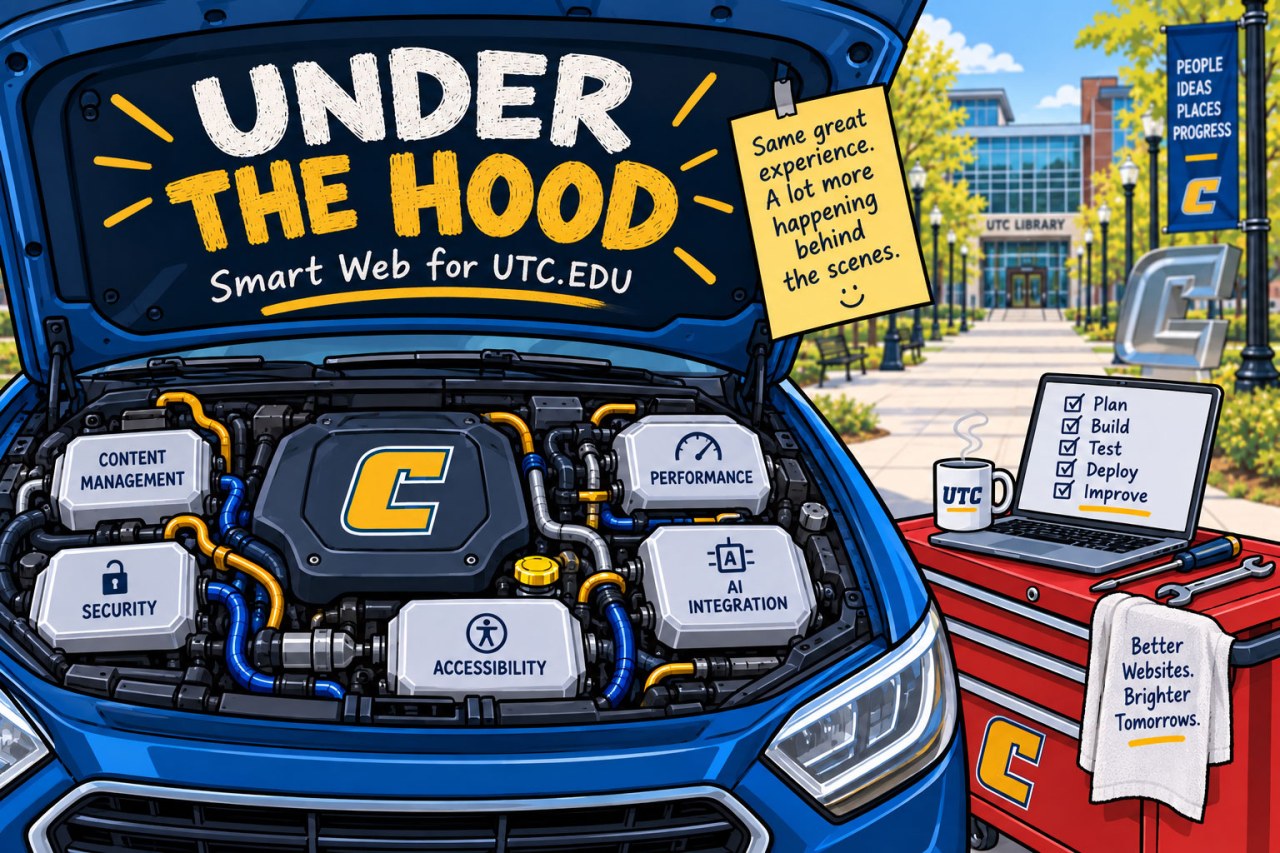
UTC’s website retheme is about much more than new colors and a fresh coat of digital paint. Our move to Drupal 11 gives content editors a more modern toolbox, including better structured components, improved content and media management, more flexible permissions, and an editing experience designed to take some of the guesswork out of building a good page.
We’re also exploring Drupal’s rapidly growing AI capabilities. Think less “robots are taking over UTC.edu” and more “could a robot help me clean up this paragraph?” AI has the potential to help editors review and improve content, generate suggestions, and spot content or accessibility issues—all while keeping the human editor firmly in charge.
Our goal is better tools, better guardrails and less guesswork, so you can focus on your audience and your content instead of figuring out how to make the website behave.
For more information, please see our article in our last issue of The Content Compass.
This Time, We’re Packing Smarter… and Lighter
If you were around for UTC’s last major website content migration six years ago, you may have some… memories. This time, we’re doing things differently. Once the retheme is complete, content will move to the new UTC.edu in carefully planned phases over the next two years. We have expert migration help on board, lessons learned from the last go-round, the same application, and industry best practices guiding the process. (Unlike the previous migration, we’re staying in Drupal rather than moving from one content management system to another—giving us a much more familiar starting point.) And, as an added bonus, no global pandemic to navigate! Additionally, we’ll also be updating our training videos and resources so you have the information you need before your area’s move begins.
What can you do now? Start packing light. There’s no need for a massive content-cleanup marathon. Instead, make it a habit to review the pages you manage a little at a time. Updating outdated information, removing content that no longer serves a purpose and dealing with unnecessary PDFs now will mean less to sort through later. We’ll provide guidance, support and plenty of notice before it’s your area’s turn.
Editor Action: Each week, log in to your site and choose just one or two pages to review. Read each page as if you’ve never seen it before—and as if you’re the visitor who came to UTC.edu looking for an answer.
Ask if it still belongs. Is the information current, relevant and useful?
Consider the audience. Does this information belong on the public website, or would it be better suited for an internal resource such as the Intranet?
Check every link. Does it work, and does it still lead visitors to the right information?
Verify the details. Check names, dates, phone numbers, email addresses and other contact information.
Rethink the PDFs. Could a document become a more accessible, mobile-friendly webpage instead?
Check accessibility. Review your heading structure and image alt text. Silktide can help with this lift.
Clear the clutter. If something no longer helps your visitor find an answer or accomplish a task, update it, consolidate it or let it go.
A page or two each week adds up. By the time moving day arrives, you’ll have less to pack—and better content to bring with you.
Please reach out to us if you have questions, comments, or concerns.
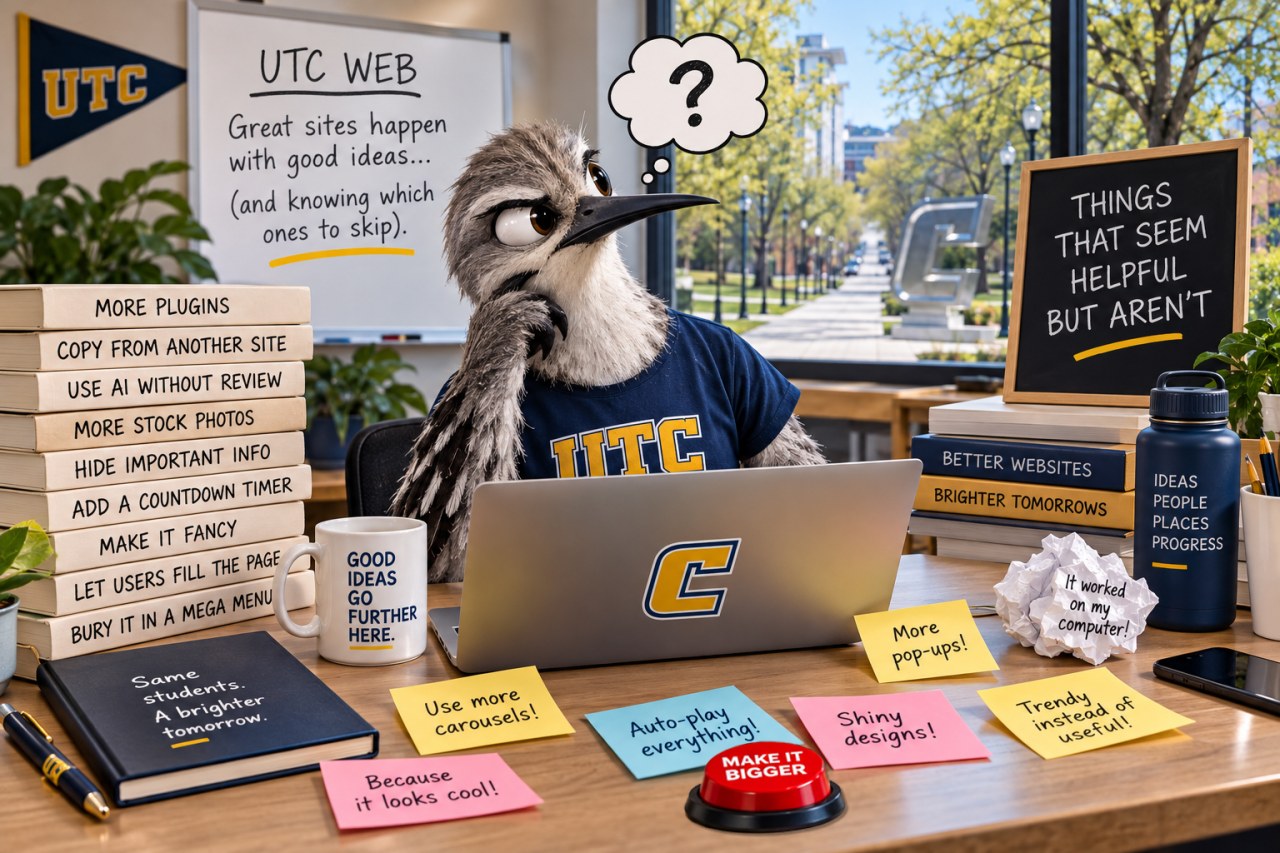
Things That Seem Helpful But Aren’t
Sometimes good intentions make for not-so-good web content. Here are a few familiar offenders:
“Click Here” Seems helpful. Isn’t. Tell people where the link goes instead: “View the academic calendar.” Bonus: screen reader users will thank you.
A PDF of a flyer Looks great on your office bulletin board. Maybe not so much on a phone or screen reader. If the information belongs on the web, consider making it a webpage instead.
ALL CAPS HEADINGS VERY IMPORTANT LOOKING. NOT NECESSARILY VERY READABLE. Use clear, descriptive headings and let the website handle how they look.
“Welcome to the Department of…” Your visitor already knows where they are. Instead, use that valuable space to tell them what they can do, find or learn there.
Opening every link in a new window You might think you’re helping visitors keep their place. Instead, you’re taking control of their browser and potentially confusing them. Let visitors decide when they want a new tab.
Editor Action: Find it. Fix it. Open one page you manage and look for at least one of these offenders. Replace that “click here,” rethink that PDF, fix that heading, remove outdated information or give your introduction a purpose. Then, if you’re feeling ambitious, find another one.
Need help figuring out the better approach? Visit the UTC Web Knowledge Base for tips, how-tos and guidance.
Lunch & Learn–Web
The New UTC Website Needs You
UTC’s website is changing. New look. New components. Better navigation. Better accessibility. And some new tools—including AI—to help us work smarter.
But there’s one thing the Web Team can’t redesign:
Your content.
Join us for an interactive Lunch & Learn about what’s coming to UTC.edu—and what we can do now to make the website better for the people who actually use it.
We’ll take a sneak peek at the new website and then put you to work (don’t worry, lunch is involved). Together we’ll tackle questions like:
What content should we stop publishing?
What should content editors start doing differently?
When is AI actually helpful—and when is it a really bad idea?
What does a visitor need from your webpage versus what your department wants to tell them?
And when you don’t know how to do something online, where do you go for help?
This won’t be an hour of PowerPoint. You’ll work with other UTC content editors, share what’s frustrating you, tell us what you need and help shape the resources, training and tools the Web Team develops next.
Whether you work in Drupal every day or update three pages twice a year, if you’re responsible for content on a UTC website, this session is for you.
Come hungry. Bring your web questions. Leave with one thing you’re going to do differently.
Your Weekend Getaway: Open Source Camp
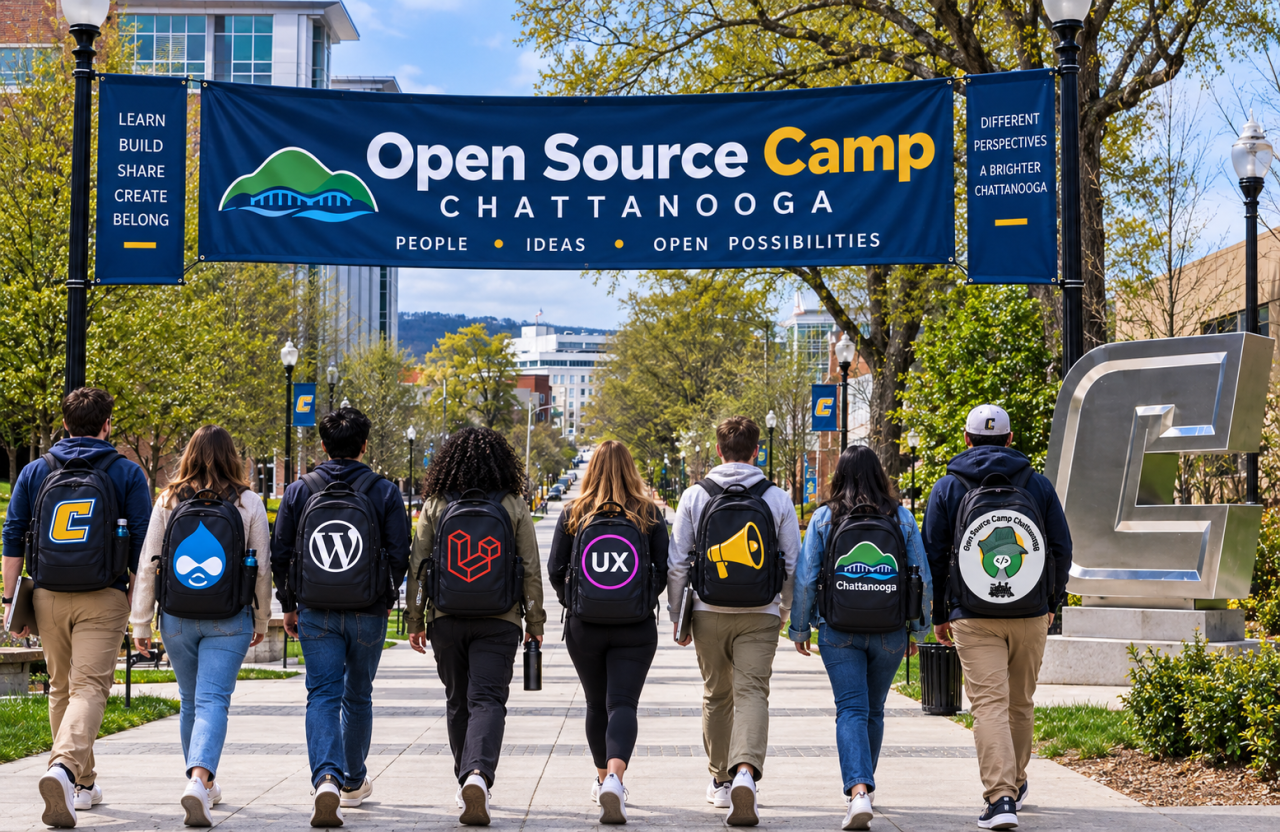
For the second year in a row, UTC is hosting Open Source Camp Chattanooga, Nov. 13–14 at the UTC Library. And think Open Source Camp is just for coders? Think again. The two-day event brings together developers, designers, marketers, content editors, project managers and anyone interested in what’s happening on the web. Friday, Nov. 13 features hands-on workshops in Drupal, WordPress and Laravel, including options for beginners.
Saturday, Nov. 14 features a full day of seminars—and plenty of them don’t require writing a single line of code. Sessions cover topics such as UX and design, accessibility, digital marketing, SEO, content strategy, analytics, AI, project management and more. UTC students, faculty and staff attend for free, and there will be lunch, plenty of swag and opportunities to connect with other web-minded folks. So pack your curiosity, leave the tent at home and learn more about Open Source Camp Chattanooga, or better yet, register now! It’s free with this code: OSCHA2026.
Editor Spotlight: Jenelle Beeler
Scientific Graphic Designer and Web Support Specialist Research Institute
As the Graphic Design and Web Support Specialist for the UTC Research Institute, Jenelle turns complex research, emerging technologies, and institutional initiatives into clear and engaging communications. In her first year at UTC, she has helped make the institute’s groundbreaking work more accessible to a wide range of audiences.
Through web content editing, Jenelle curates information with current and prospective students, industry partners, and community members in mind. She celebrates the innovative research taking place across the institute while creating an approachable invitation for readers to learn more.
For Jenelle, editing is about more than polishing words—it is about building connections. Through thoughtful storytelling and accessible design, she helps the UTC Research Institute spark curiosity and showcase the meaningful impact of its work across the university and beyond.
Here’s to Jenelle—making the complicated click, one bright idea at a time!
Sept 18, 2026: Next website deployment. Save or move anything important from the test site before this date.
Oct. 22, 2026, 11:45 a.m., Library 435: Lunch and Learn: Join us for a practical, interactive look at UTC’s website retheme, content strategy and cleanup—and the resources available to help you manage your web content with confidence.
Nov. 13 – 14, 2026: Open Source Camp! UTC Library. Free to all students, faculty and staff.
January 1, 2027: Targeted date for incremental rollout of new theme.
April 26, 2027: DOJ Title II web and mobile app accessibility compliance deadline for larger public entities.
Upcoming months: Existing Silktide account migration into the new UT System account.
Whether you’re a seasoned editor or just getting started, The Content Compass is your trusted guide for making every webpage the best it can be.
Feel free to reach out to us if you have any feedback! We look forward to hearing from you. In the meantime, happy editing!