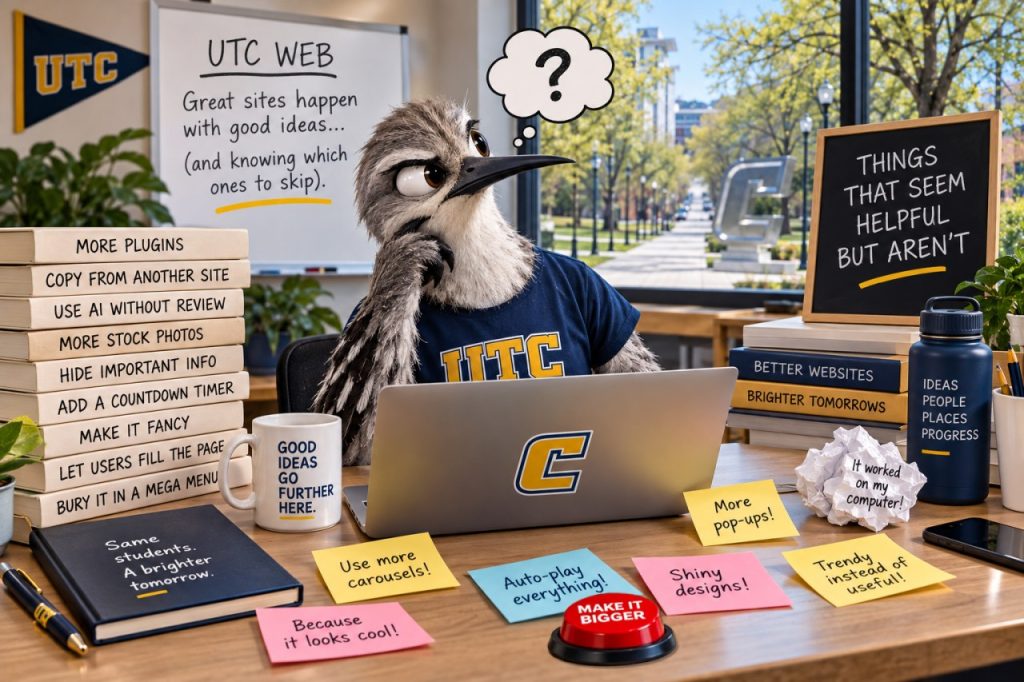
Sometimes good intentions make for not-so-good web content. Here are a few familiar offenders:
- “Click Here”
Seems helpful. Isn’t. Tell people where the link goes instead: “View the academic calendar.” Bonus: screen reader users will thank you. - A PDF of a flyer
Looks great on your office bulletin board. Maybe not so much on a phone or screen reader. If the information belongs on the web, consider making it a webpage instead. - ALL CAPS HEADINGS
VERY IMPORTANT LOOKING. NOT NECESSARILY VERY READABLE. Use clear, descriptive headings and let the website handle how they look. - “Welcome to the Department of…”
Your visitor already knows where they are. Instead, use that valuable space to tell them what they can do, find or learn there. - Opening every link in a new window
You might think you’re helping visitors keep their place. Instead, you’re taking control of their browser and potentially confusing them. Let visitors decide when they want a new tab.
Editor Action: Find it. Fix it.
Open one page you manage and look for at least one of these offenders. Replace that “click here,” rethink that PDF, fix that heading, remove outdated information or give your introduction a purpose. Then, if you’re feeling ambitious, find another one.
Want more? Boy, have we got a list for you! Learn about more “Not So Helpful Things” here.
Need help figuring out the better approach? Visit the UTC Web Knowledge Base for tips, how-tos and guidance.